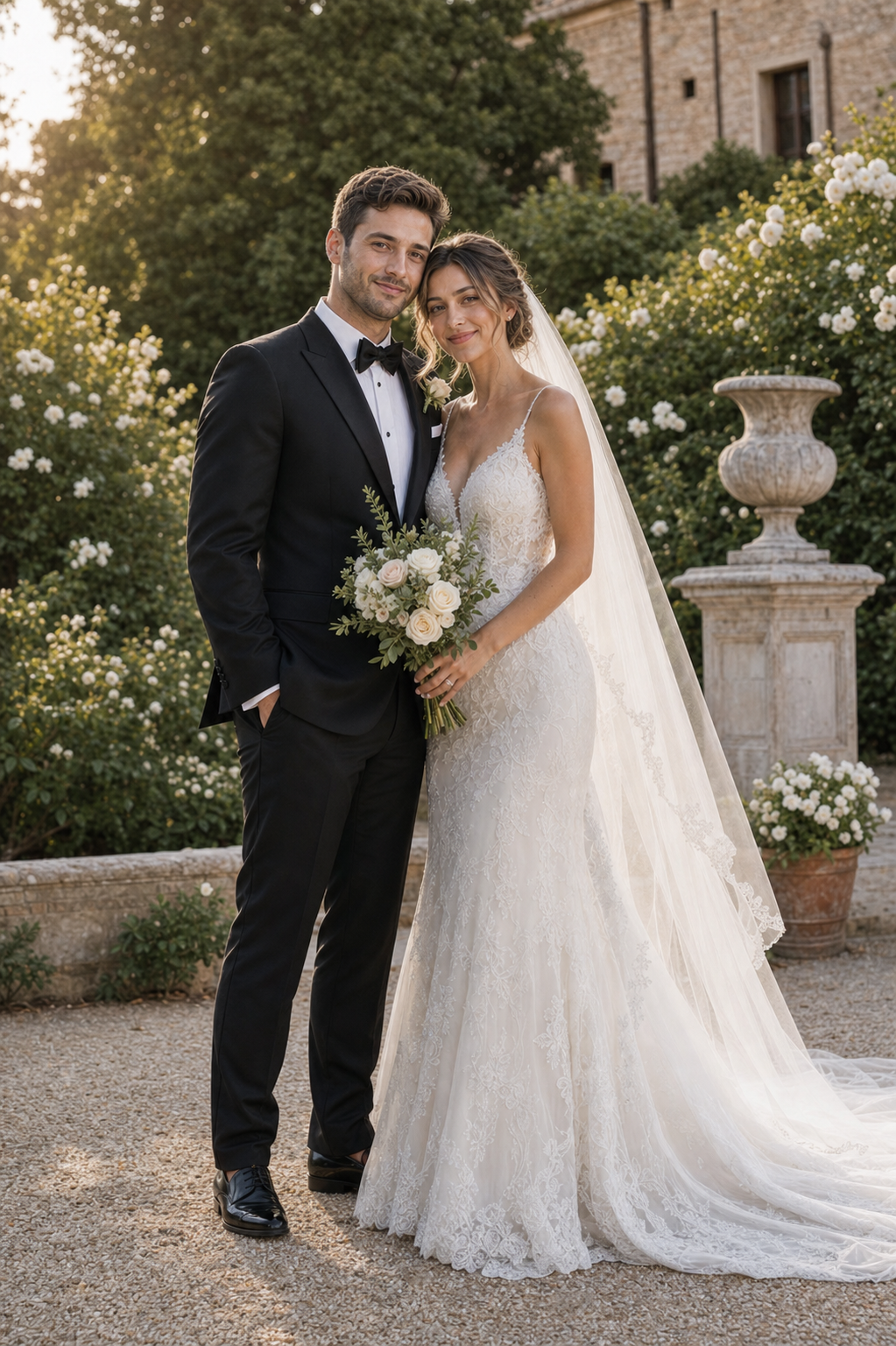
Preview first
New accounts include free credits for a first preview. That lets you assess the direction before committing to a larger batch or final file.
What uses credits
Preview generation, edits, additional versions, and HD export can each consume credits. Browsing style samples and downloading a completed preview do not create a surprise paid step.
Why a one-time pack can be useful
A one-time pack keeps the product aligned with actual generations instead of charging for an unlimited promise. The current packs and credit costs are always shown on the Pricing page and in Studio.
Budget for uncertainty honestly
AI outputs can need an edit or another version. Treat the first preview as a direction check, and do not assume every generation will be a final wedding image.