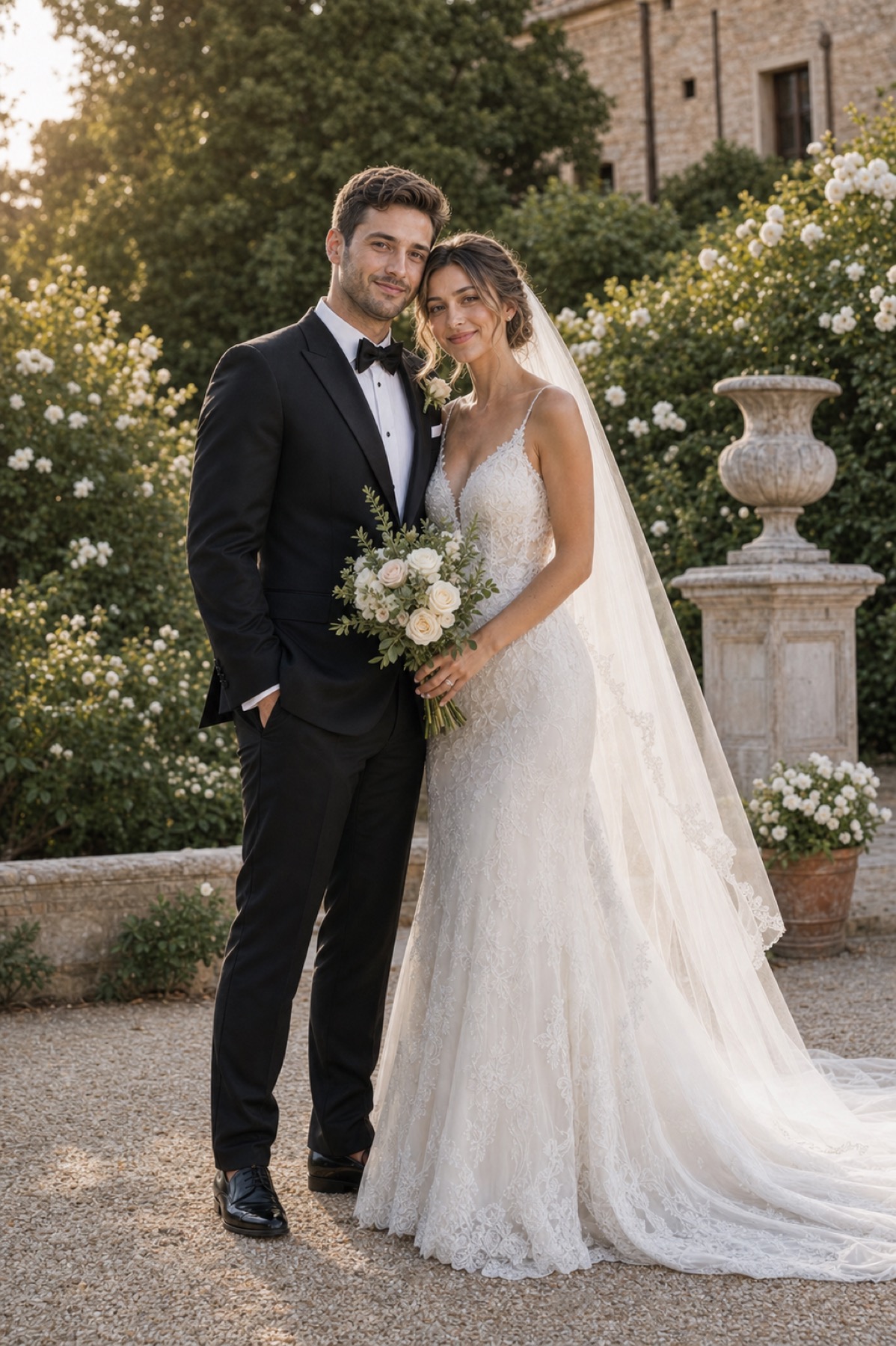
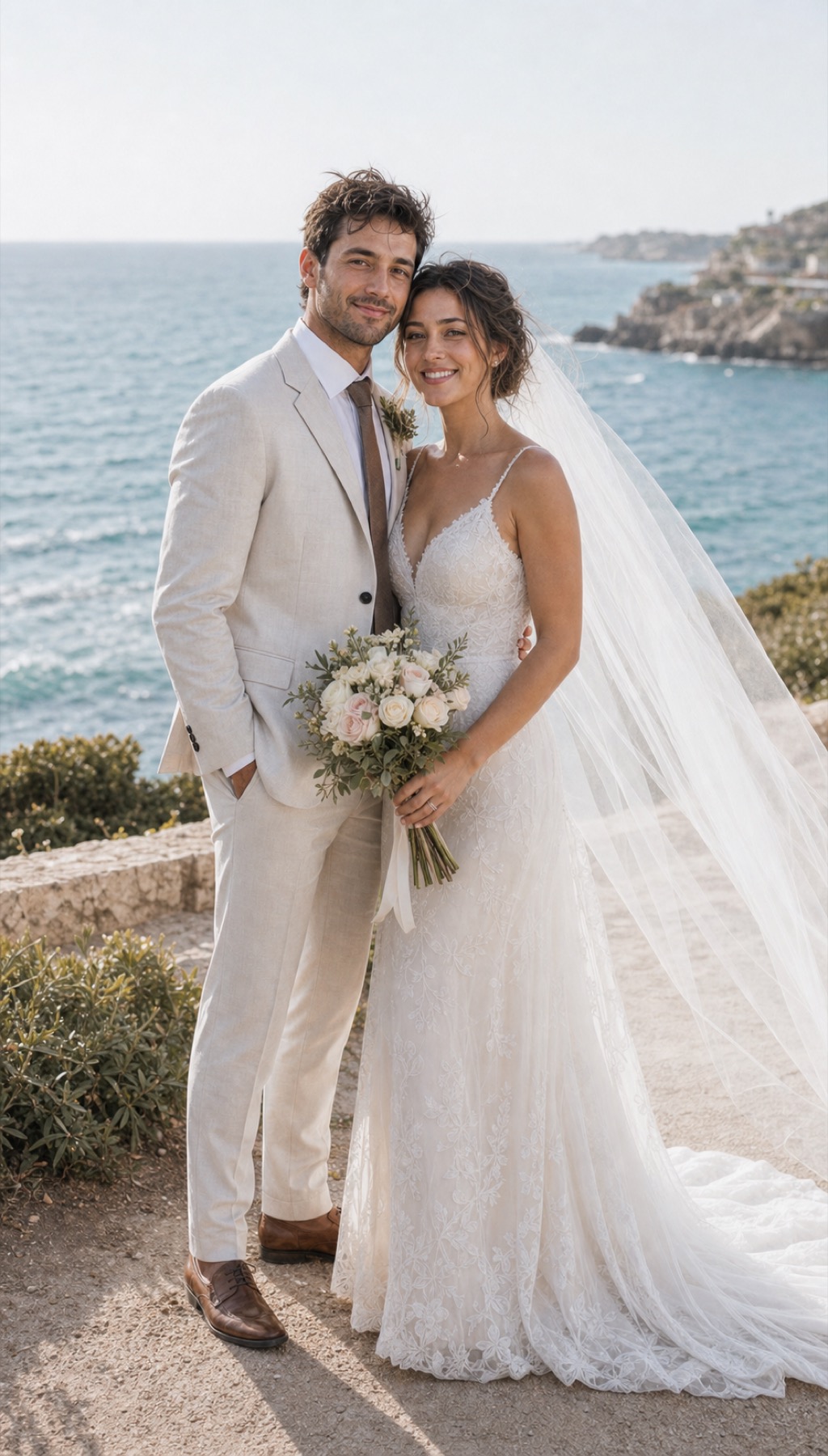
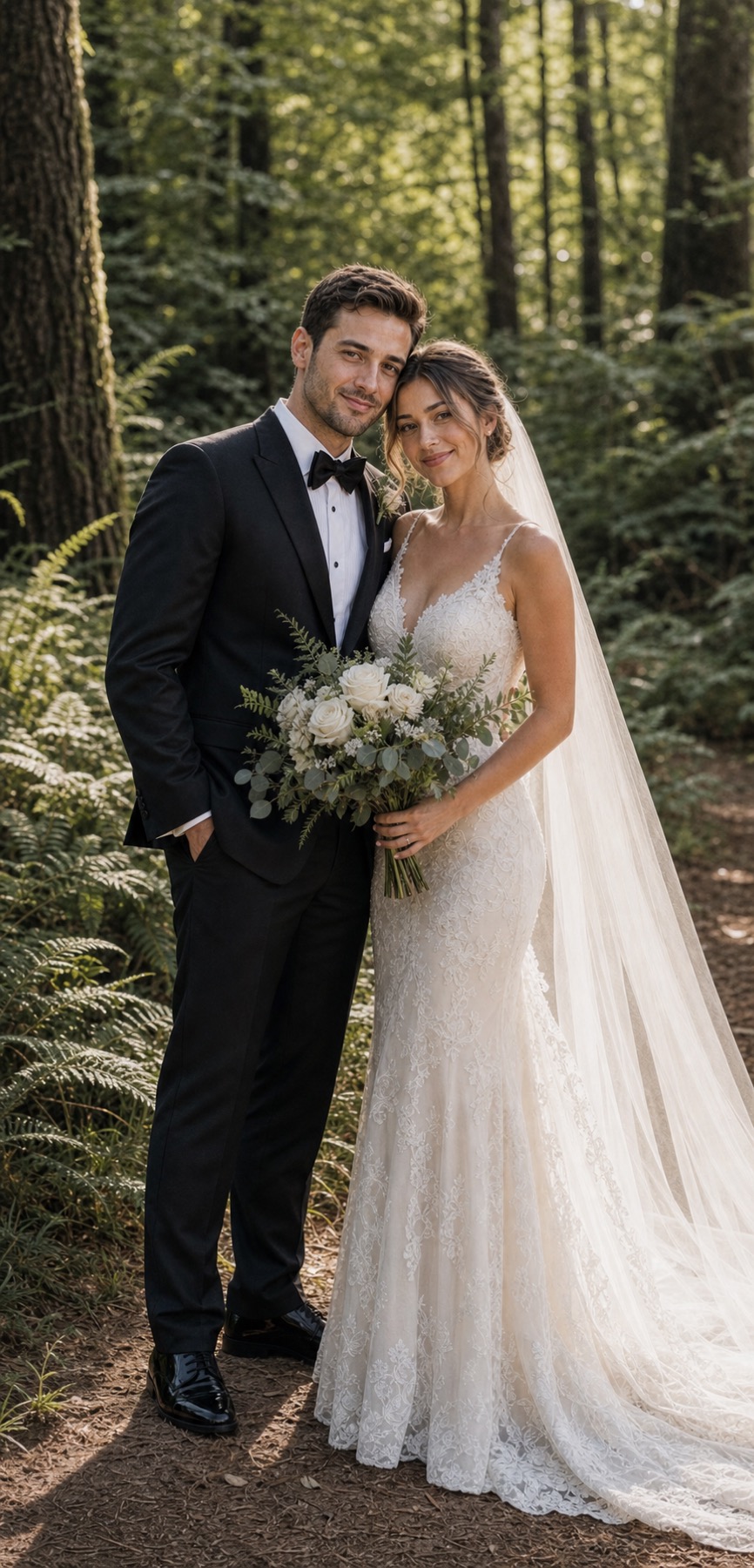
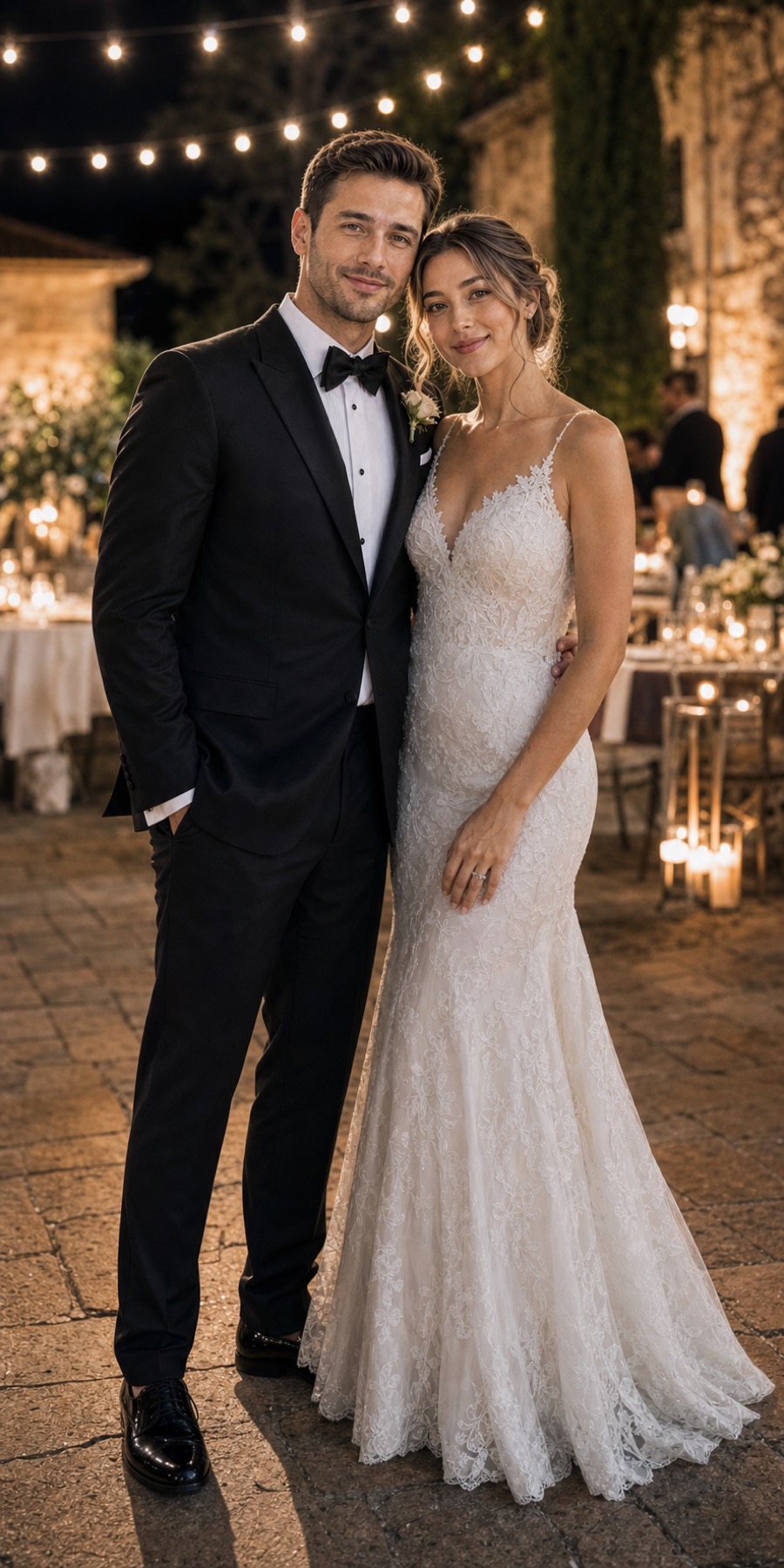
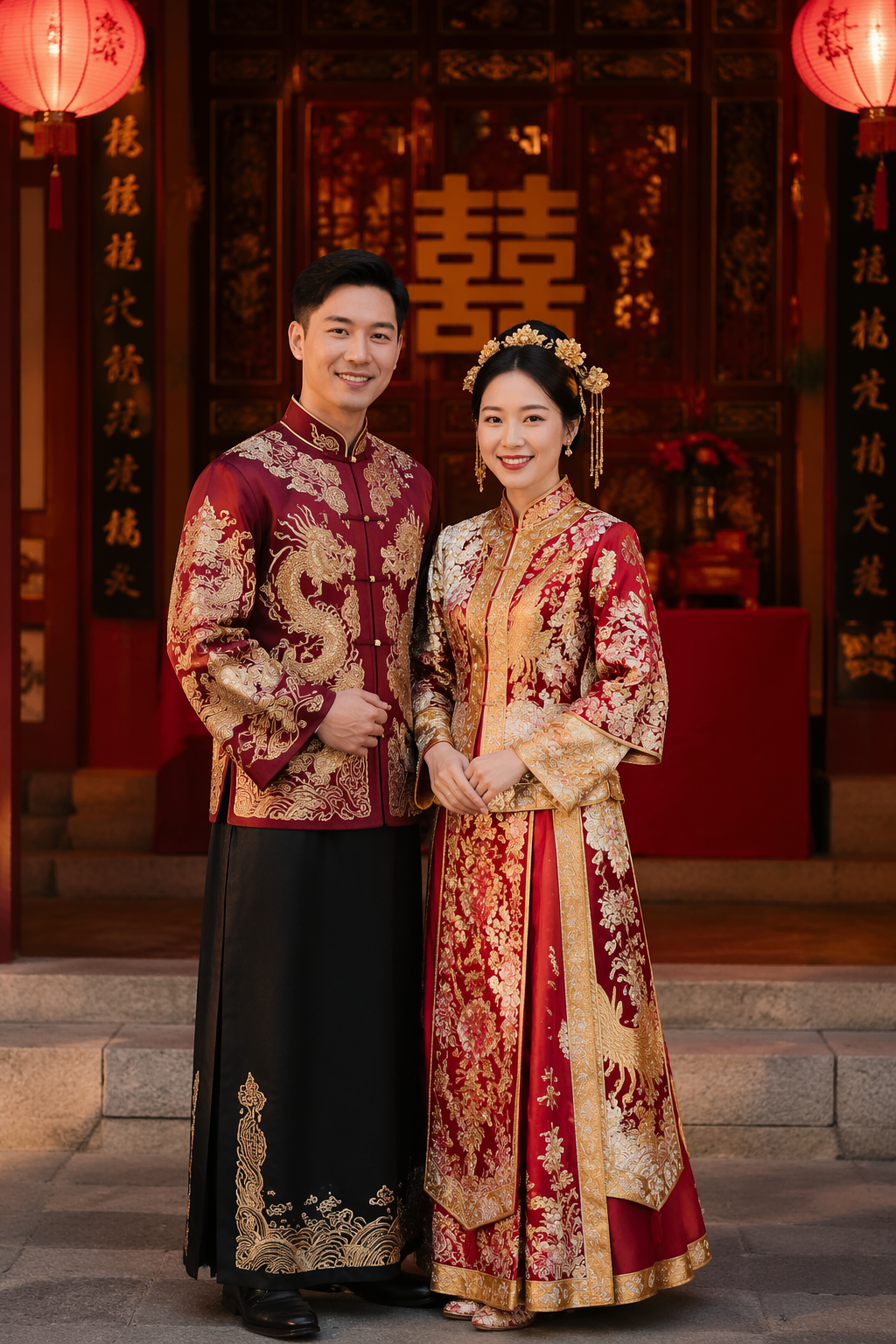
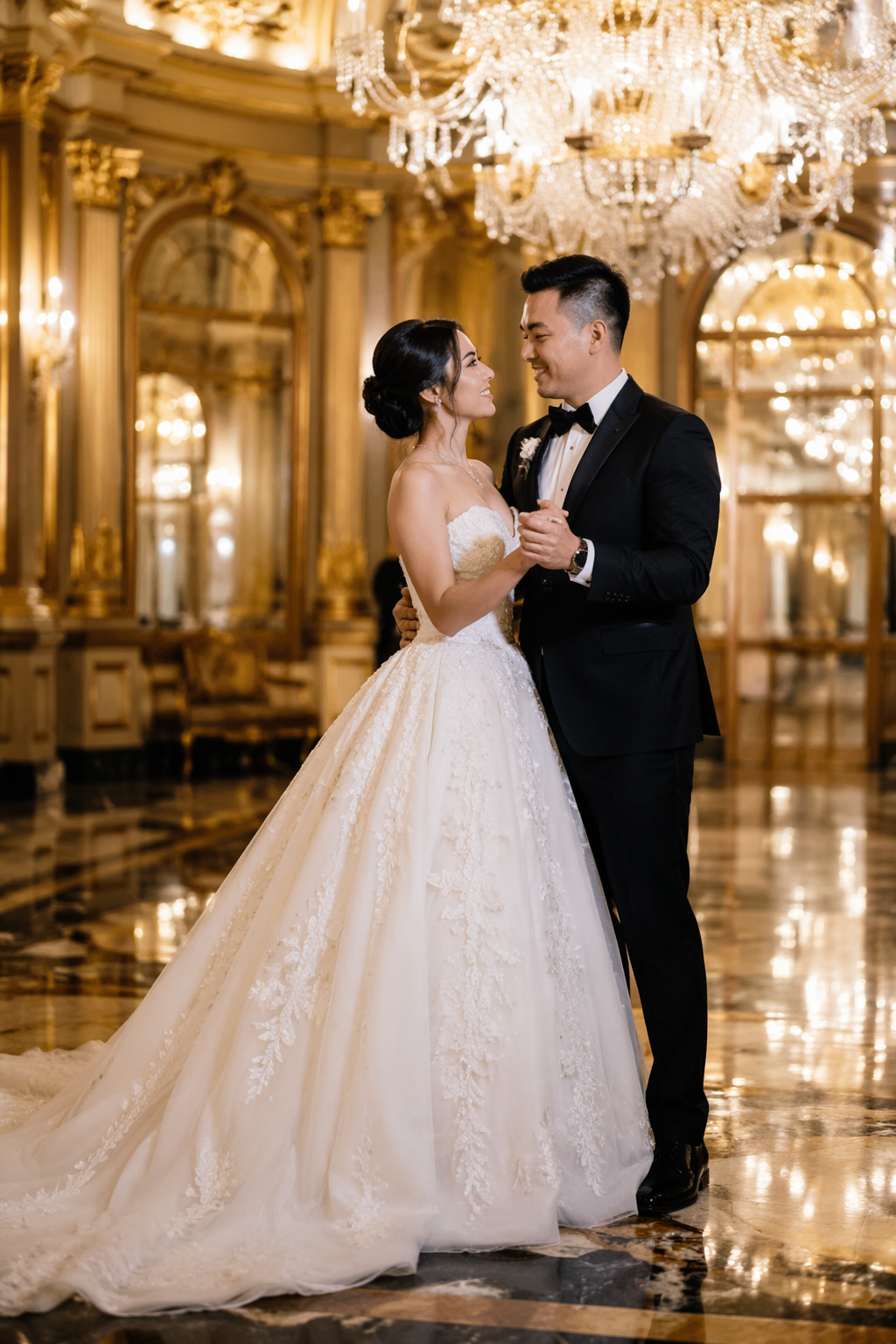
Use the face photos that actually show the person you want to recognize.
AI wedding & couple portrait studio
Create wedding portraits that still feel like you.
Browse styles for free, upload reference photos, generate one preview, then edit or export HD when you love the direction.
Free to browse styles · one preview first · export HD when you are ready
Style browsing is freeOne preview firstExport HD when ready
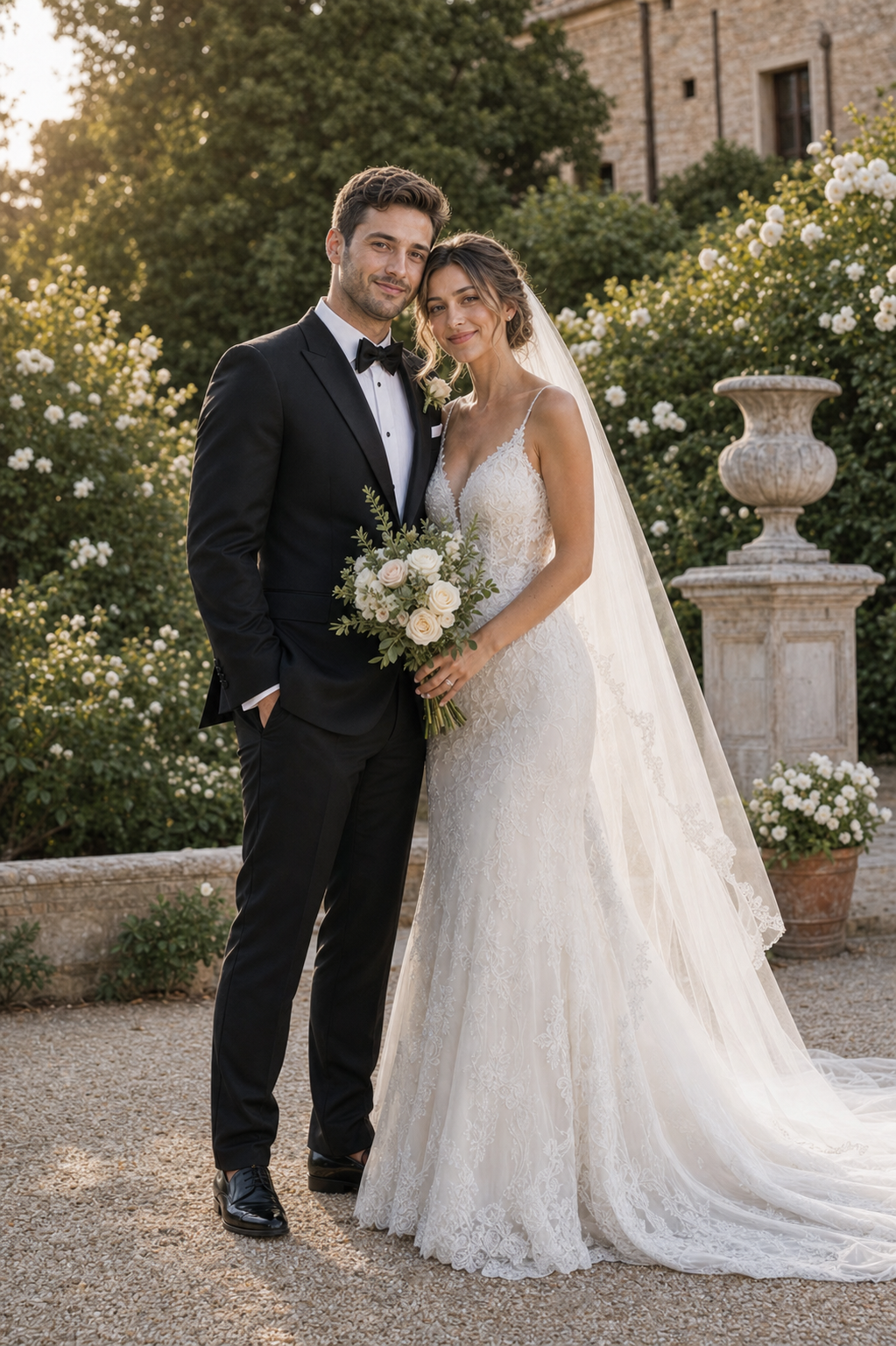
Free style samplesChoose a direction before you upload
1 preview firstEdit or export only when it feels right
Choose a direction
See all styles →Find the feeling before you generate
Style samples are free to browse. Choose a direction in Studio, then add your own references when you are ready.
A calmer way to create
Style first. Preview second. Export last.
The Studio keeps the decisions in the order people actually need them, so you can see a useful result before committing to more.
- 01StyleChoose a style sample
- 02ReferencesAdd your photos
- 03PreviewGenerate one preview
- 04Edit / anotherKeep exploring if needed
- 05Export HDFinish when satisfied
Made for your moment
Start with the scene you have in mind
↗
Wedding portraits
Shape a ceremony, garden, chapel, or after-party direction.
Explore this direction →↗Couple portraits
Bring two independent references into one shared scene.
Explore this direction →↗Engagement photos
Explore proposal and engagement moods before the big day.
Explore this direction →↗Pre-wedding photos
Plan a visual direction before you book the shoot.
Explore this direction →Why it can feel more like you
Better decisions reduce blind retries
KeepsakeVision does not promise perfect resemblance. It gives you a clearer path: a style sample first, focused references, one preview, and edits that stay connected to the same project.
See the direction before you decide whether to make more versions or export.
Edits and new versions reuse the project's stored references.
Preview before you decide
See current credit packsKeep the good one. Change what is not working.
Download a completed preview, edit the selected image, generate another version, or export HD when the result earns it. Current credit costs are shown before each action.
Privacy and trust
Your photos stay part of your project, not a public gallery.
Reference photos are used to create the portraits you request. Read the full storage, provider-processing, and deletion details before you upload.
FAQ
Before you create
How many photos do I need?
Start with one clear reference photo per person. You can add another angle when it helps show the face more clearly.
Can I upload two people separately?
Yes. Couple projects support one or more independent reference photos for each person so the pair can be composed in one scene.
How do I choose a style?
Browse the free style samples first, then choose a style in Studio before adding references and generating your preview.
Is the first preview free?
New accounts include free credits for a first preview. The exact balance and cost are shown in Studio before generation starts.
When are credits used?
Credits are used when you generate a preview, edit an image, create another version, or export HD. Browsing samples is free.
Can I edit a preview?
Yes. Select a preview and apply a targeted edit, or generate another version while keeping the same project references.
How do I delete my photos?
Delete your account from Settings, or email feedback@keepsakevision.com to request access, export, or deletion.
Start creating
Explore styles & start a free previewReady to see a direction?
Browse the styles first. Your first personal preview starts only when you choose to add references.