Review first, then choose
Downloading a completed preview is included. Export HD, edits, and additional versions stay optional until the direction is useful.
View current credit packs →Use your own reference photos to explore a wedding portrait direction before you commit to a final image. Choose a style first, add one clear reference per person, and start with one preview.
These samples are for choosing a direction. Your references are used only when you start your own preview in Studio.
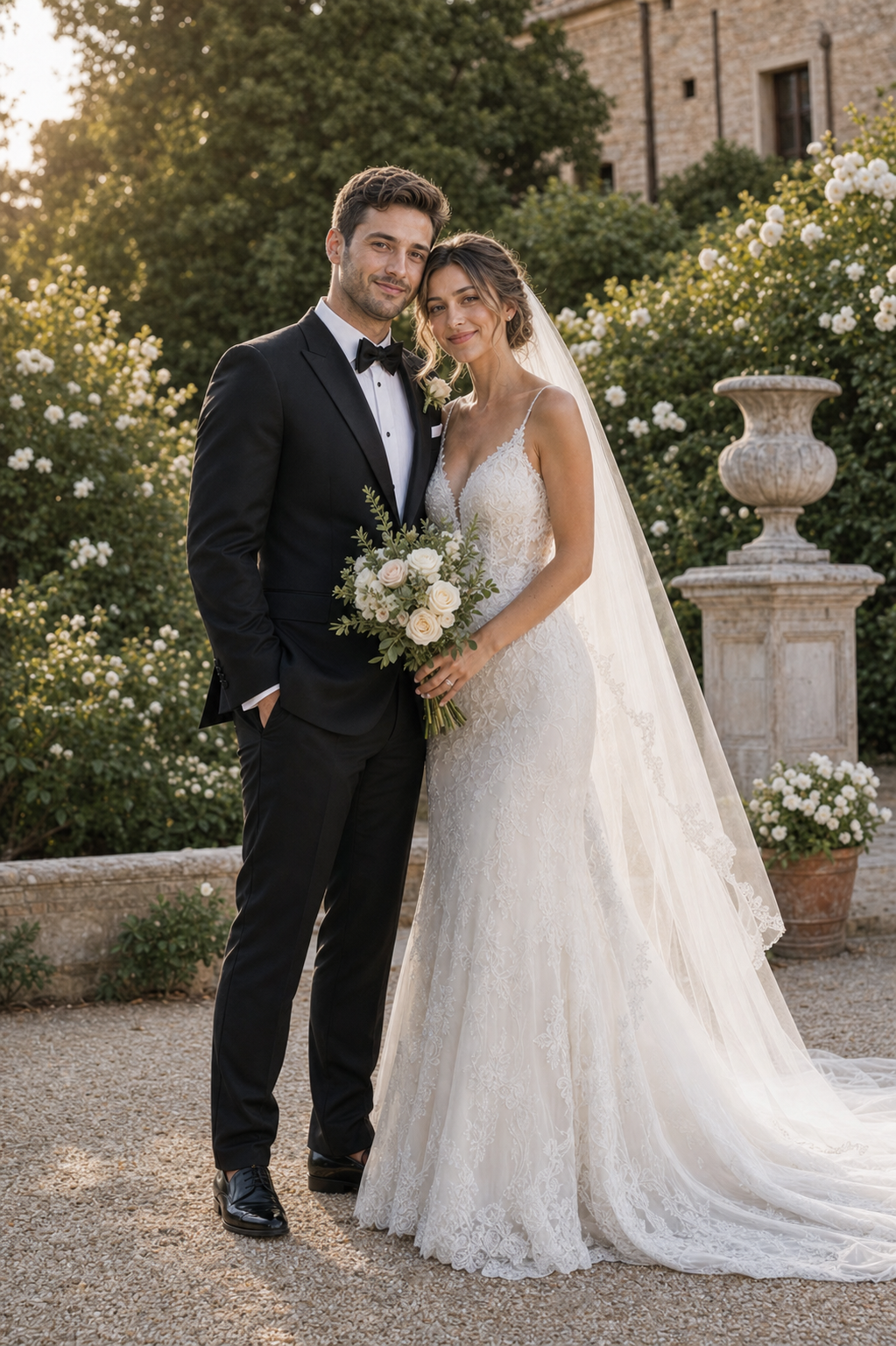
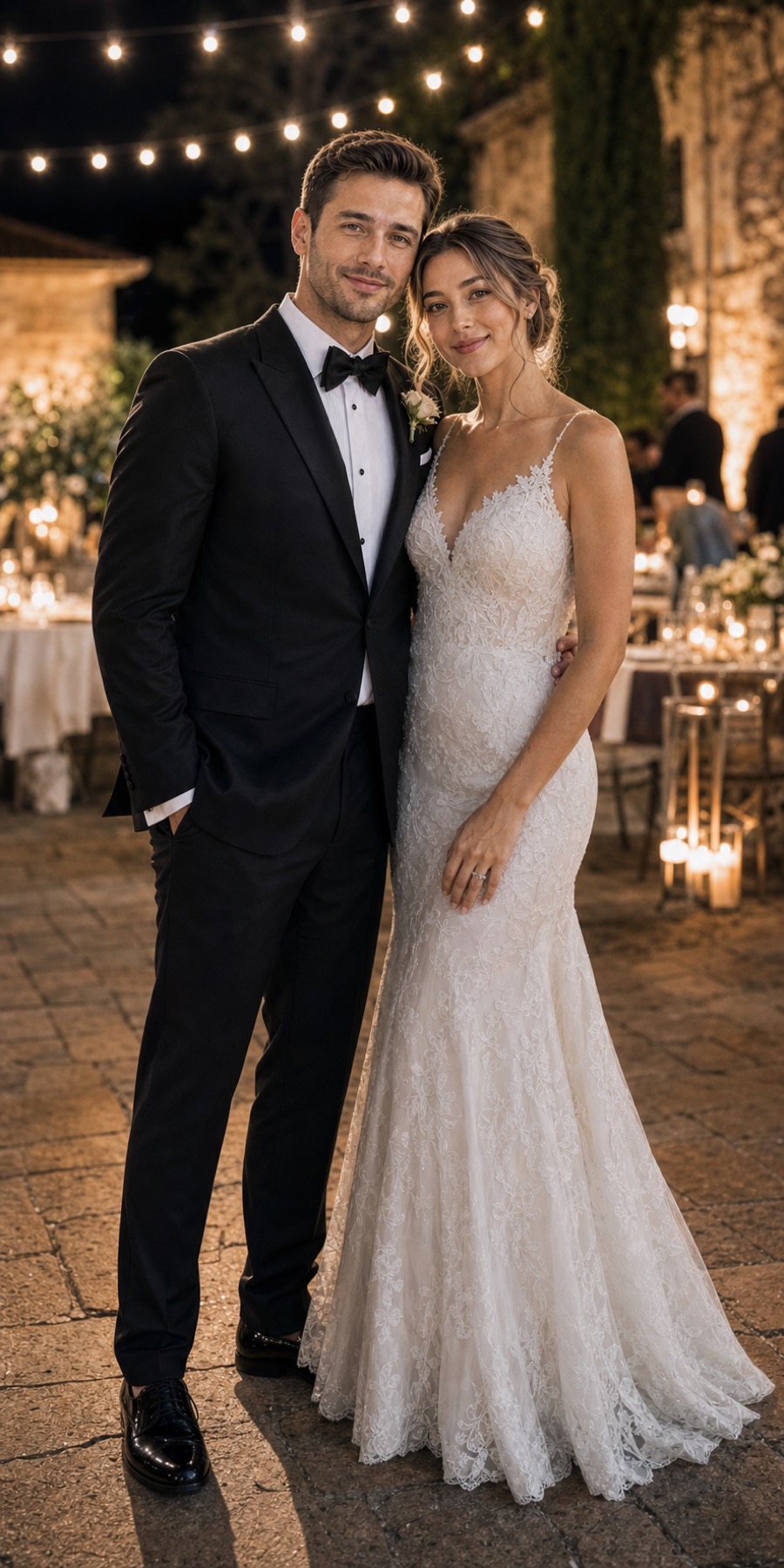
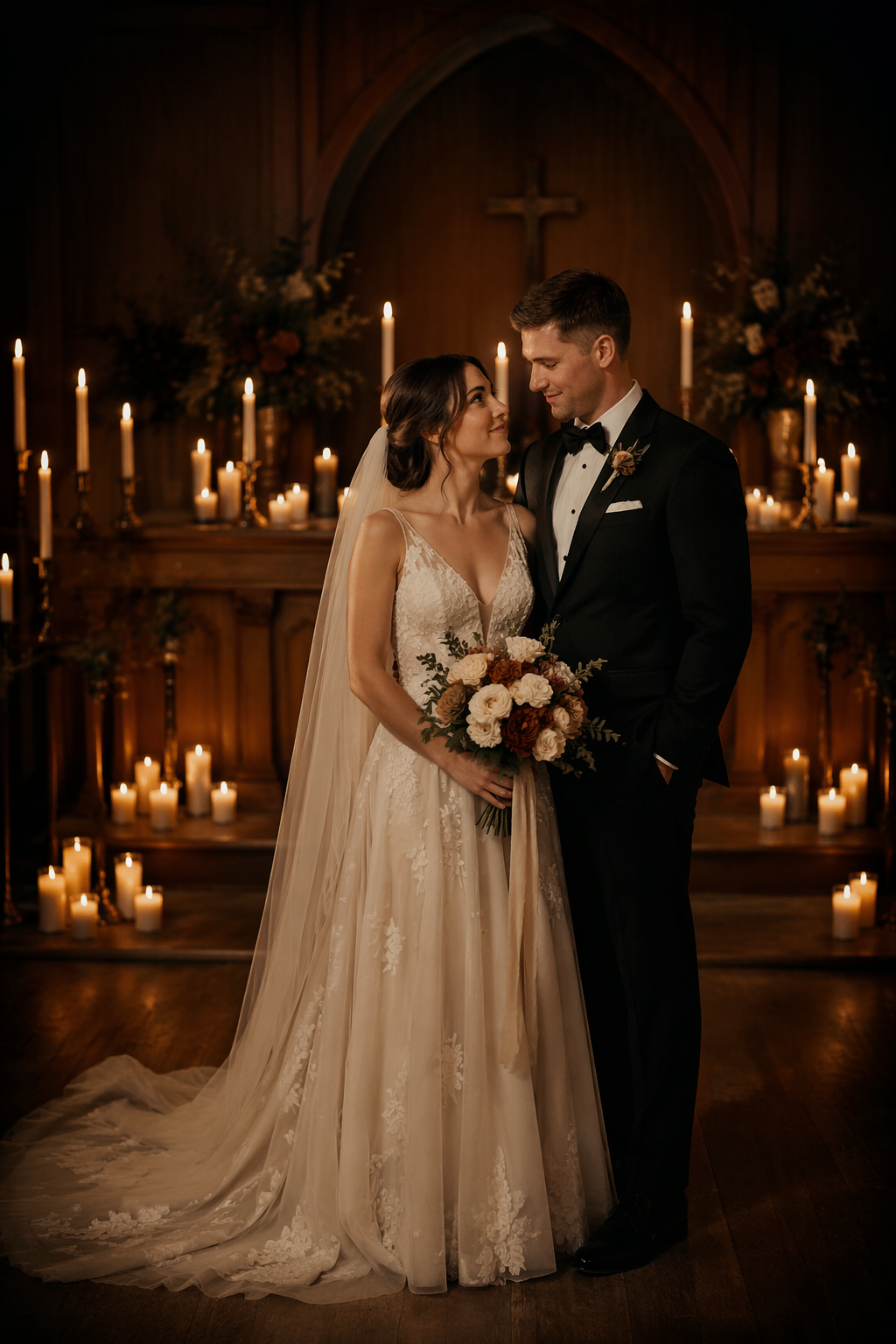
Downloading a completed preview is included. Export HD, edits, and additional versions stay optional until the direction is useful.
View current credit packs →Reference photos are used to create the portraits you request. Account deletion removes stored photos and generated portraits as described in the Privacy Policy.
Read the privacy guide →Browse styles, add references, and decide what deserves more only after you see the first result.
Use clear, well-lit photos with the face visible and minimal obstruction. One reference per person is enough to start; extra angles can help.
Yes. Upload independent references for each person and choose a wedding style before generating one preview.
New accounts include free credits for a first preview. Studio shows the current credit cost before any paid generation begins.
Yes. Review the preview first, then use Export HD when you are satisfied. Edits and additional versions remain optional.
No public gallery is created from your references. See the Privacy Policy for storage, provider processing, and deletion details.