KeepsakeVisionAI
Original style example

Example: a black-and-white couple portrait.

A black-and-white couple direction that makes the lighting, expression, and relationship cues the focus of the first preview.
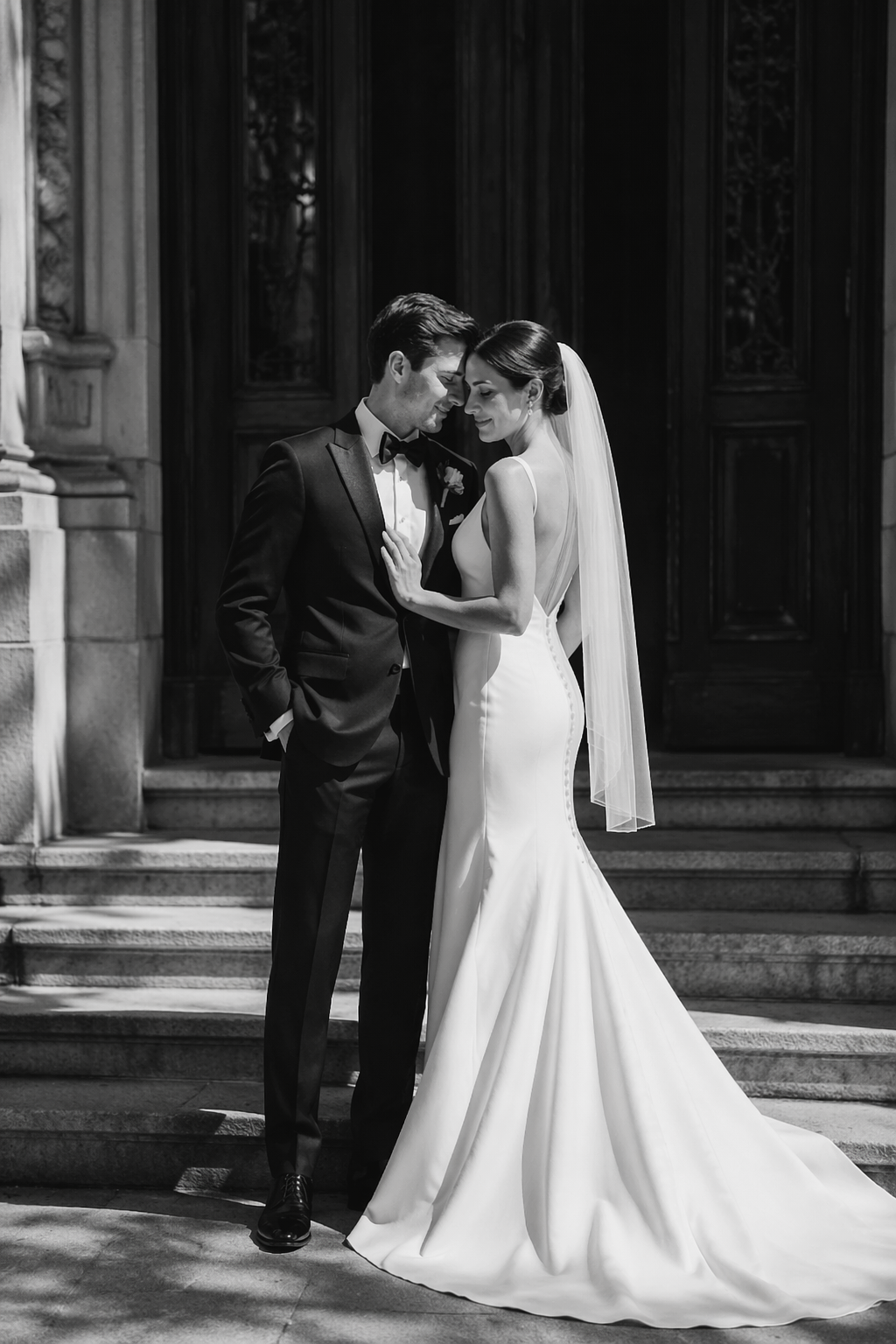
Black-and-white couple portrait style example
What went in

Inputs that shape the result

  • One readable face reference per person
  • A high-contrast black-and-white style sample
  • A preference for portrait, close-up, or story composition
Use the reference photo checklist →
How it was explored

Generation steps

  1. 1Browse monochrome and editorial samples.
  2. 2Add references before generating the first preview.
  3. 3Review facial consistency and contrast in the full contained result.
  4. 4Edit lighting or pose when the direction is close but not ready.
What is different

Why this example is useful

A monochrome treatment can make the relationship and expression feel deliberate, but it also makes lighting and face artifacts easier to notice in review.

Good fit for

Editorial couple portraits, anniversary cards, and understated keepsakes.

Limitations

What to check before export

  • High contrast can emphasize artifacts or uneven lighting.
  • No result is guaranteed to match a specific film or photographer.
Privacy

Use references with consent

Only upload photos you own or have permission to use. See the current storage and deletion path in the Privacy Policy.

Read Privacy Policy →
Create your own

Make a related preview

Choose the matching commercial page to start with the same kind of decision and a real Studio flow.

Create an AI couple portrait
See what fits you

Start from a free style preview.

Use your references only after you have a visual direction you want to explore.

Explore styles & start a free preview