Review first, then choose
Downloading a completed preview is included. Export HD, edits, and additional versions stay optional until the direction is useful.
View current credit packs →Turn two independent reference photos into a shared couple portrait without booking a shoot first. This AI couple photo generator lets you pick a style, add both people, and use the first preview to decide what deserves another version.
These samples are for choosing a direction. Your references are used only when you start your own preview in Studio.
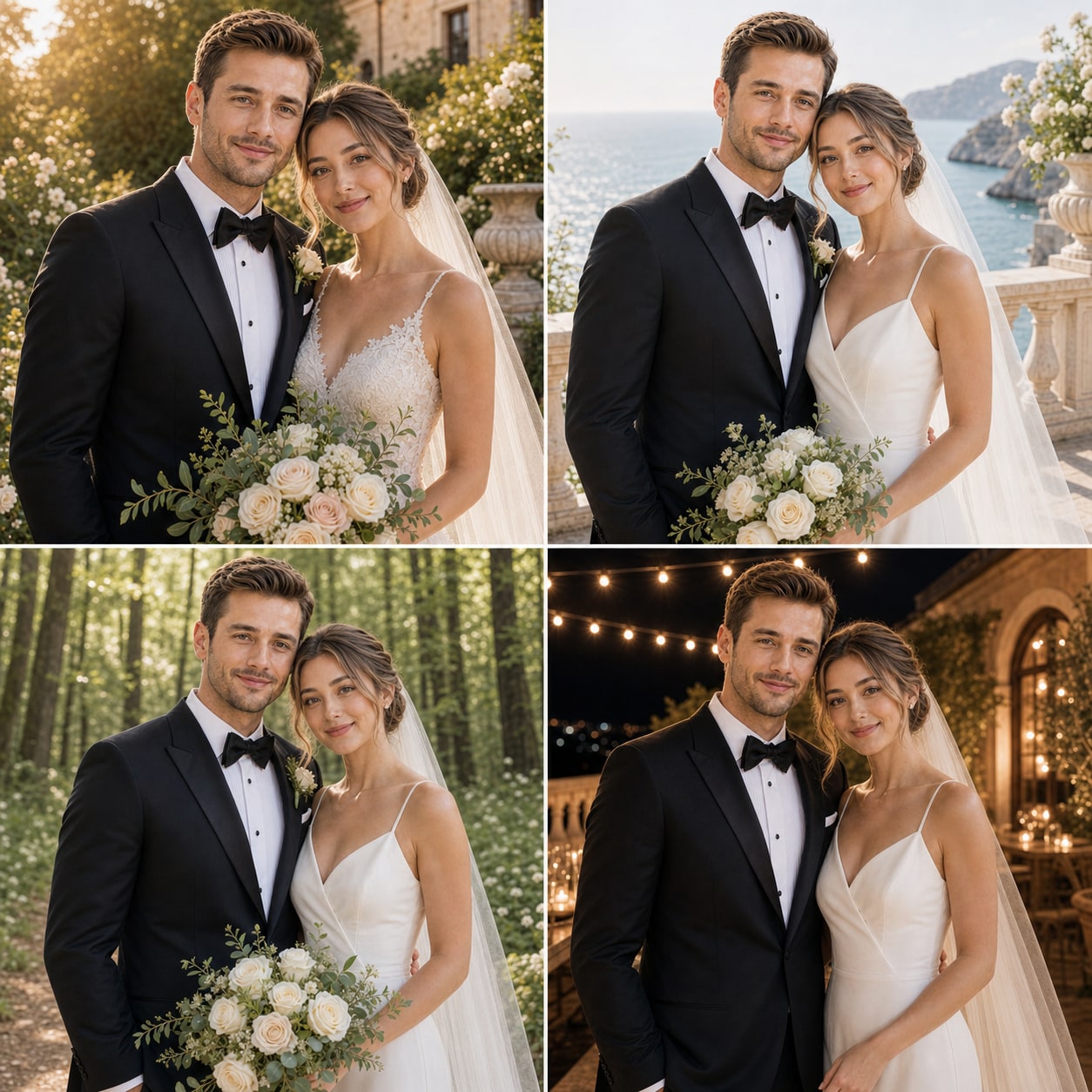
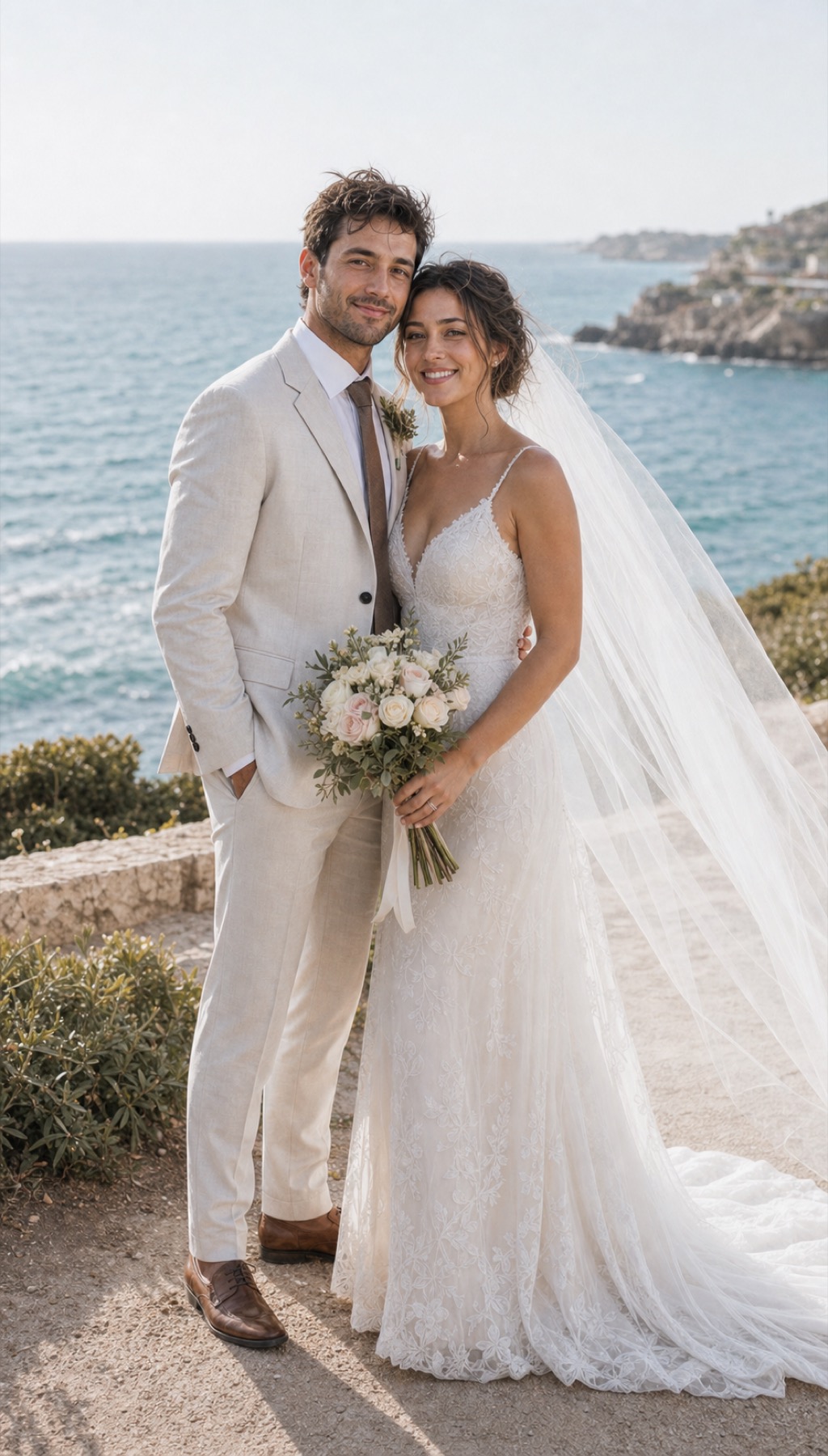
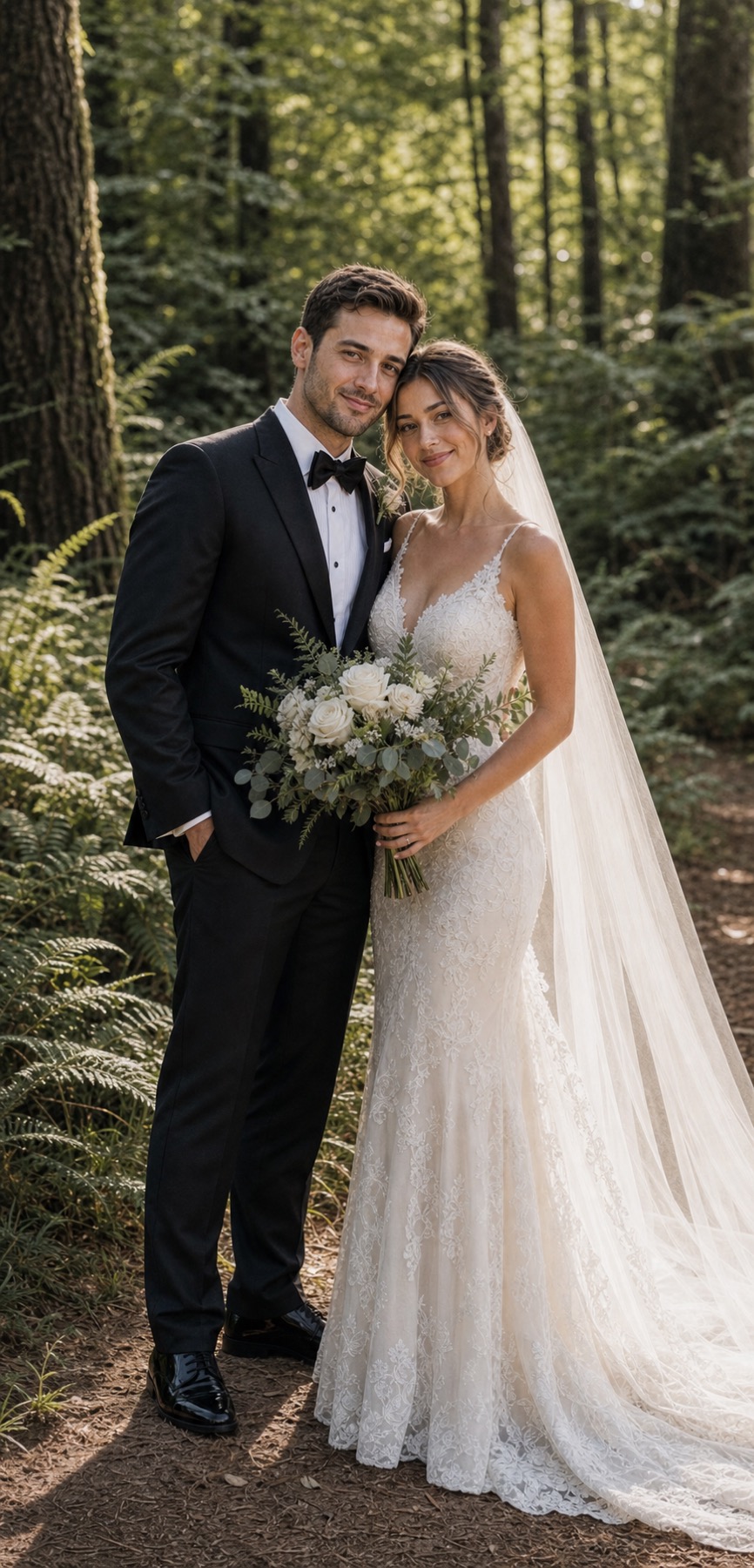
Downloading a completed preview is included. Export HD, edits, and additional versions stay optional until the direction is useful.
View current credit packs →Reference photos are used to create the portraits you request. Account deletion removes stored photos and generated portraits as described in the Privacy Policy.
Read the privacy guide →Browse styles, add references, and decide what deserves more only after you see the first result.
Choose a style, add separate reference photos for each person, and generate one shared preview before deciding whether to edit or export HD.
No. Independent photos are supported and can be clearer than one crowded group image.
Start by browsing free samples in Studio, including garden, seaside, cinematic, cultural, and editorial directions.
New accounts include free credits for a first preview. The current credit cost is shown before generation.
AI portraits can contain artifacts or likeness drift. Clear references and targeted edits improve the chance of a useful result, but no exact resemblance is promised.