What to check before export
- Fine hand details and small accessories may need an edit.
- The output is a creative interpretation, not a photograph of a real event.
A contained garden portrait direction for couples who want a soft outdoor wedding look without starting from a blank prompt.
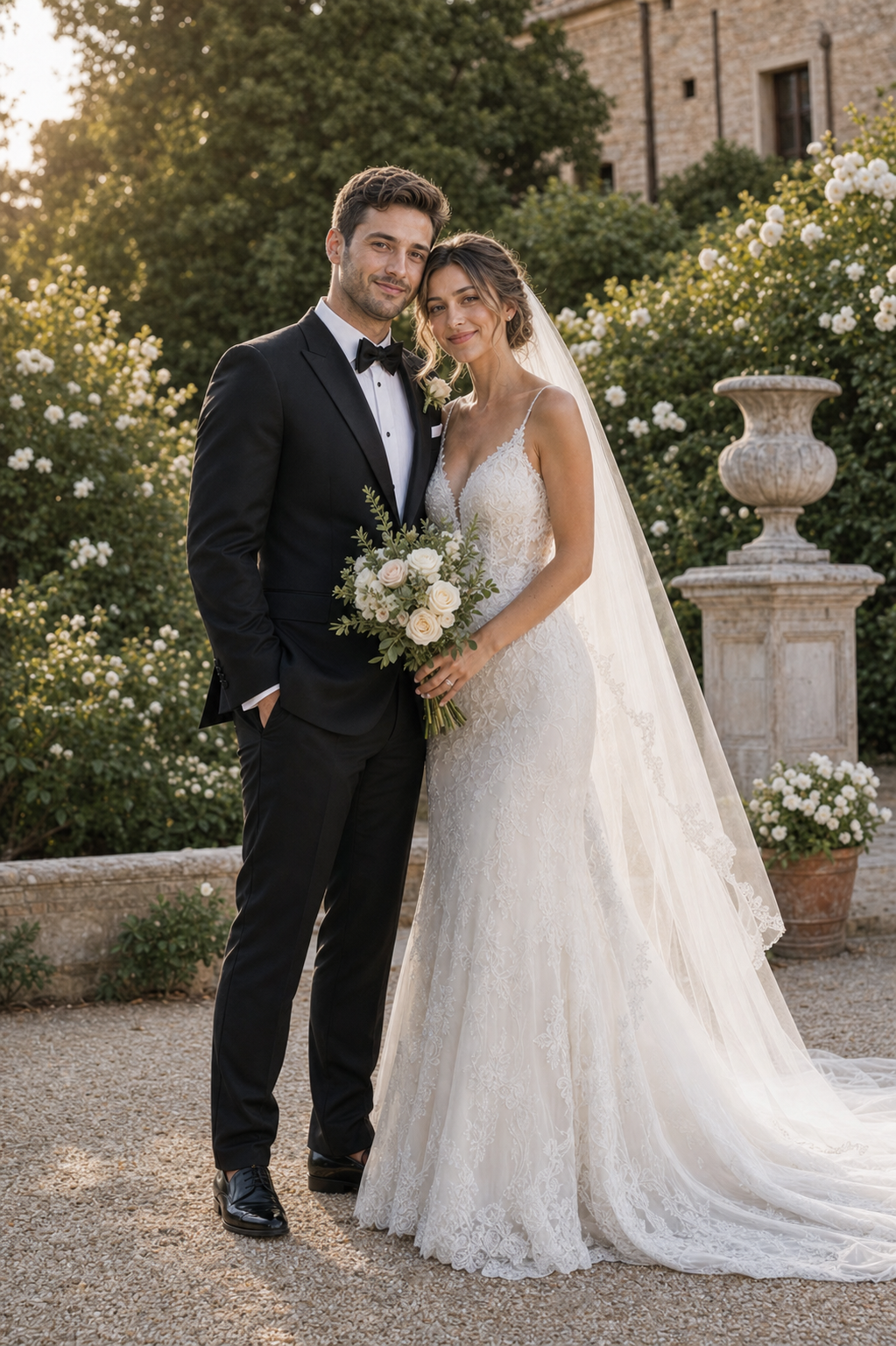
The full preview keeps the couple and the garden composition visible together, so the scene can be judged before any HD export decision.
Good fit forEarly wedding mood boards, invitation concepts, and couples comparing outdoor directions.
Only upload photos you own or have permission to use. See the current storage and deletion path in the Privacy Policy.
Read Privacy Policy →Choose the matching commercial page to start with the same kind of decision and a real Studio flow.
Create an AI wedding portrait →Use your references only after you have a visual direction you want to explore.