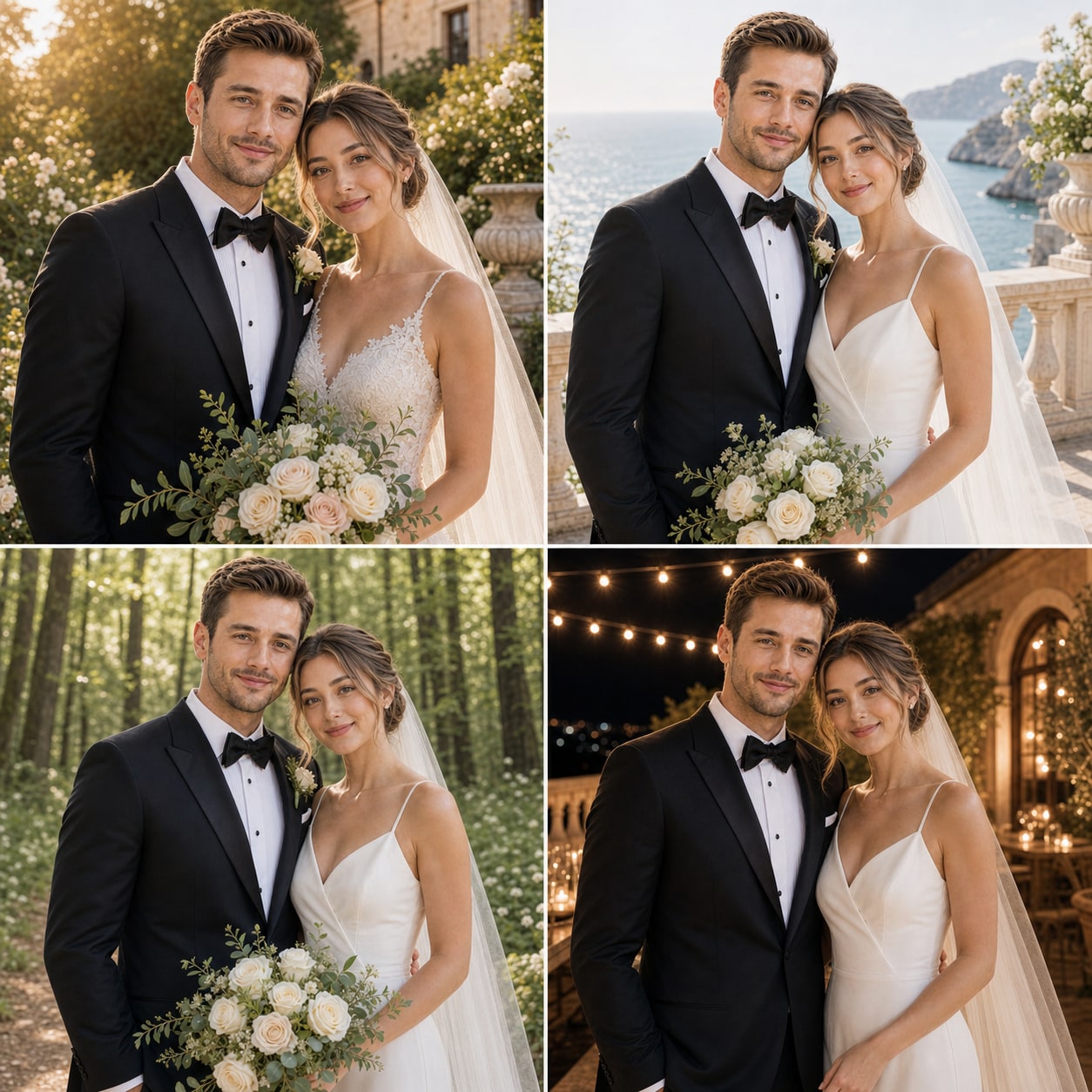
1. Choose the visual direction first
Browse style samples before uploading. This gives the couple a shared direction and keeps the first generation focused instead of asking the product to solve every decision at once.
2. Add one reference per person
Upload clear photos for both people. The photos do not need to match in camera, location, or background; clarity and face visibility matter more than a perfect pair.
3. Generate one preview
A single preview is the fastest way to judge whether the faces, pose, wardrobe, and scene are moving in the right direction. Downloading a completed preview is included; HD export comes later.
4. Edit or make another version
If the direction is close, apply a targeted edit for a problem such as lighting, pose, or background. If the whole scene needs a different interpretation, generate another version from the same project references.